


Google Ads Advertising Setup
We set up and launch Google ads so that your budget goes to enquiries, not random clicks: only buyer-intent keywords, a shared negative keyword list, verified conversion tracking and transparent spend control. For businesses in Białystok, across Poland and for foreign-language customers in the EU.
Turnkey Google Ads setup
Six areas that make advertising bring in enquiries. Click an item to read the details.
Audit and strategy
We review search terms, negative keywords, display networks, bid strategy and conversions. We show how much money went on clicks without enquiries.
We agree on what a result is: a form enquiry, a call, a WhatsApp or Telegram message.
Your city, all of Poland or selected regions. Ads in Polish, English, Russian or several languages at once.
Using Keyword Planner, we estimate the cost per click and suggest a daily budget that you control yourself.
Result: a clear campaign and budget plan before the first click.
Campaign structure
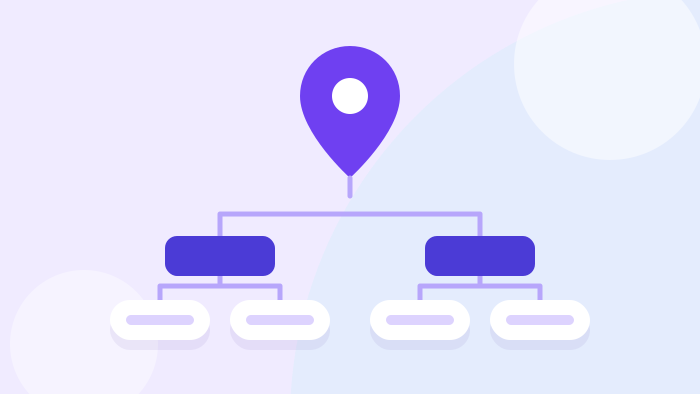
A separate campaign for your city with a higher target cost per acquisition: a customer near your office is worth more to you.
A second campaign covers large cities and regions without taking budget from the local one.
The ad answers the query precisely, so Google rates its quality higher and lowers the cost per click.
We don't enable search partners, the Display Network or YouTube: the ad is seen only by people who are looking for the service themselves.
Result: the budget doesn't drain away on random placements.
Keywords and negatives
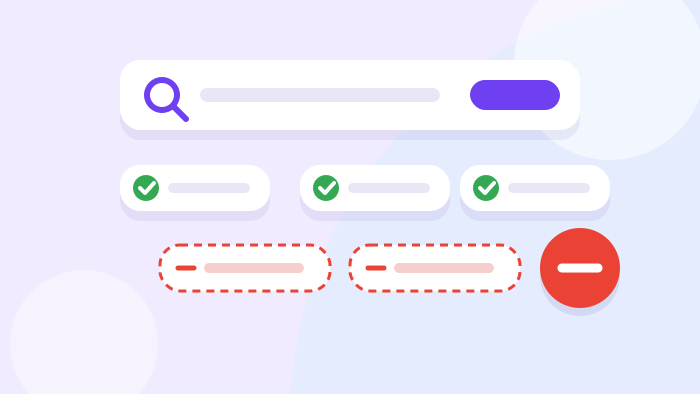
The service plus “order”, “price”, “cost”, “turnkey” and the city name.
Your city, Warsaw, Kraków, Wrocław, Gdańsk, Poznań and others — wherever you actually operate.
One list for the whole account: “free”, “DIY”, “jobs”, “course”, “download” and dozens more.
We regularly check which queries triggered the ads and cut out the irrelevant ones.
Result: you don't pay for clicks from people who never meant to buy.
Ads and assets
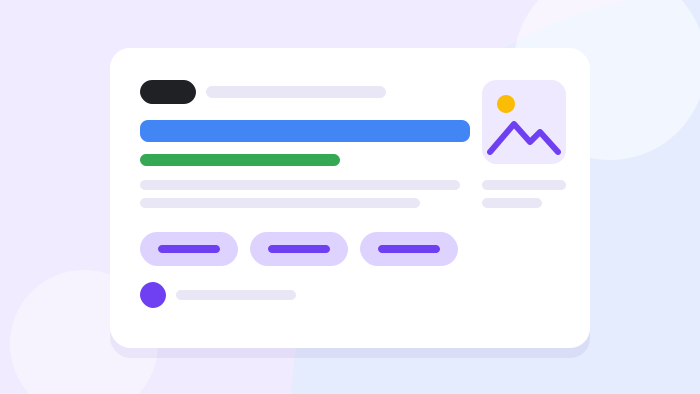
Headlines with the city and a benefit, descriptions without repetition. Each campaign gets its own set.
Sitelinks to key pages, callouts with your advantages and a list of services that don't repeat each other.
Calls straight from the ad, the address from your Google Business Profile, logo and business name.
Illustrations in two formats that follow Google's rules: no text or logo on the image.
Result: the ad takes up more space in the results and gets more clicks.
Enquiry tracking
Form enquiry, phone tap, WhatsApp and Telegram, call from the ad. Google sets bids based on these.
Google Analytics 4 conversions stay secondary: one enquiry is counted once.
The cookie banner passes the visitor's choice to Google in line with GDPR.
We check the site's Content Security Policy (CSP), diagnostics in Google Data Manager and send a test enquiry.
Result: Google looks for people who send enquiries, not those who only click.
Automation and control
Assets, keywords and settings for several campaigns at once — with a single script, without manual mistakes.
After a change, the script compares the result with what was supposed to be created.
We make sure that spend on clicks without enquiries stays within the agreed limit.
We review Google's recommendations manually: they don't change bids or budget without your knowledge.
Result: the account under control and no surprises on the invoice.
Budget and bids without surprises
We explain what you pay for and how much before launch, not after the first invoice.
- A target cost per acquisition strategy steers bids
- Negative keywords cut off clicks with no chance of an enquiry
- Enquiry tracking shows the real cost per customer
- Starting target — based on the cost-per-click forecast
- Changed gradually, every 2–3 weeks, without resetting learning
- The local campaign gets a higher target
- On a single day Google can spend up to twice the daily budget
- Over a month — no more than the daily budget times 30.4
- We calculate and agree the budget per month
- We help you pass advertiser verification
- We set up the payments profile
- The studio works with user access that you can revoke at any time
Who it's for
What we fix in ads that are already running
If ads are running but enquiries are few, the cause almost always lies in one of these points.
Clicks from irrelevant queries
Broad keywords attract people looking for “how to do it yourself”, jobs or courses.
Impressions where nobody looks for the service
Search partners, the Display Network and YouTube are enabled by default.
Google counts the wrong things
Page views are marked as conversions, and one enquiry is counted twice.
Recommendations apply themselves
Auto-apply broadens keywords and changes the strategy without your knowledge.
The website blocks the tag
The site's security policy or a cookie banner without Consent Mode v2 hides some of the enquiries.
A target cost pulled out of thin air
Too low — no impressions; too high — expensive clicks without control.
Account suspended
Verification, payments profile, a payment request — until it's resolved, enquiries go to competitors.
One ad for the whole country
Without the city in the headline, an address and a phone number, the ad loses to local competitors.
How we launch your ads
Six steps. We check every change in the account separately before moving on.
Audit
Strategy and quote
Enquiry tracking
Campaigns
Launch
Review
What you get
After launch you have working search campaigns approved by Google and a Google Ads account created for your business, with full access. Every conversion has been tested, so you can trust the enquiry tracking. Each campaign has a full set of ads and assets, a shared negative keyword list runs across the whole account, and the search terms have already been cleaned up. The ads are linked to Google Analytics 4, Search Console and your Business Profile. At the end you get a clear report: what has been set up, how much a click and an enquiry cost, and what to do next.
What to know before you start
How much does Google Ads setup cost
We give an exact quote after a short audit
The price depends on:
- the number of campaigns and ad groups
- cities, regions and languages
- the number of keywords and negatives
- whether the website has enquiry tracking and cookie consent
Google Ads campaign setup and launch
You pay the ad budget directly to Google; it isn't included in the price.
Frequently asked questions about Google ads
We'll review your account or launch ads from scratch
Send us your website address and, if you have one, access to your Google Ads account. We'll tell you where the budget is leaking and what to fix first, and give you the price before any work begins. The consultation is free.