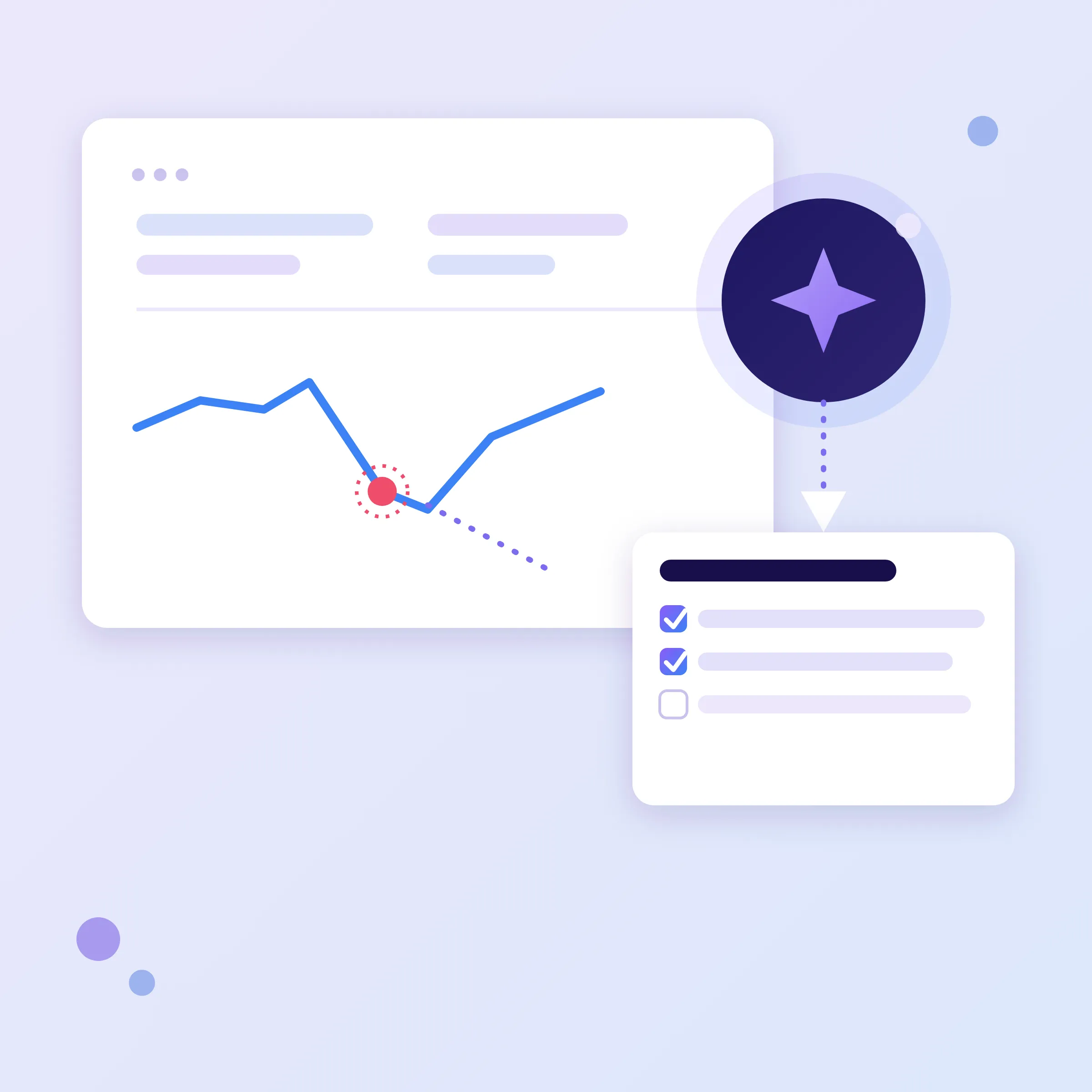
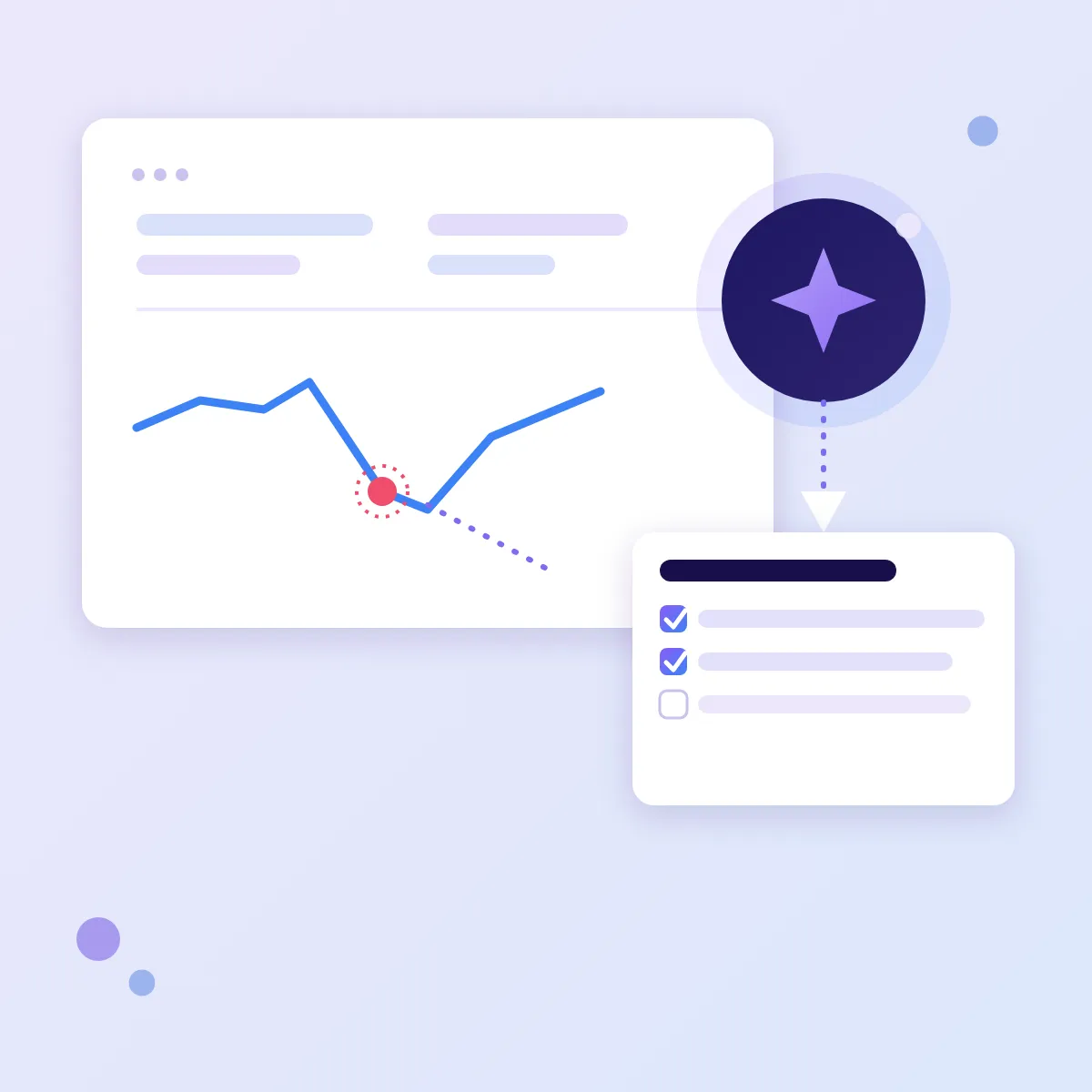
We set up a “Google Search Console + AI assistant” connection on your computer or in your company cloud. You ask in your own words, and the assistant pulls your site’s Google data, does the maths, compares periods and explains what is going on and what to fix first. No need to learn the reports or the SEO jargon.
Why people come to us
- Traffic from Google dropped. The Performance chart is heading down, but it doesn’t say which pages and searches lost clicks, or why.
- An email from Search Console arrived. “Crawled – currently not indexed”, “Server error (5xx)” — and no way to tell whether it is trivial or urgent.
- The site isn’t showing on Google. Your service pages exist, yet they don’t appear for the searches that matter.
- Agency reports you can’t verify. You pay a monthly SEO retainer, but you can’t compare “before” and “after” yourself.
- The site isn’t in Search Console at all. Google reports problems nobody reads — adding and verifying your site is part of our setup.
What an AI assistant connected to Search Console can do
A regular AI chat can’t see your data, so it gives generic advice. A connected assistant works from your site’s real impressions, clicks and rankings. You ask in your own words:
- “Why did our website traffic drop in August?” — it compares periods and names the pages and searches that lost clicks.
- “Which pages are close to page one of Google?” — it finds pages ranking 4th to 15th and suggests what to improve on each.
- “Are all our pages indexed?” — it checks indexing and spots pages that fell out of Google and junk URLs.
- “Is the site slow on mobile?” — it reports speed based on real visitors and explains what is holding pages back.
- “Did the website update break anything?” — it compares titles, descriptions and structured data of key pages before and after the work.
- “Where do the people who send enquiries come from?” — connect Google Analytics as well, and it shows which pages and channels bring in customers.
How it worked on our own site
Before offering this to clients, we connected the assistant to our own Search Console. On day one it found eight junk URLs Google was still keeping in its index, and we closed them the same day. It also showed that our home page ranks around 8th on average, yet got a single click from 295 impressions over four weeks — roughly ten times fewer than usual for that position. The first fix was obvious: the page title and description in search results. That analysis used to take an evening with the reports; this time it took a few minutes.
What you get
- Answers, not reports — a conclusion, the numbers and a clear next step.
- An early warning — falling traffic and pages dropped from Google show up before they hit your enquiries.
- A prioritised to-do list you can hand to your developer, your SEO agency or us.
- Contractors kept honest — you see what actually changed after the work.
- Lower costs — Search Console and Google Analytics are free; the only running cost is the assistant subscription, less than one hour of an SEO specialist per month.
- Your data stays yours — everything runs on your computer and your Google account.
What you need for the installation
No powerful machine or dedicated server required: the AI runs in the cloud, and your computer only hosts a small connector program between the assistant and Google.
- A computer running Windows 10 or 11, macOS or Linux.
- 8 GB of RAM and 2 GB of free disk space.
- A stable internet connection.
- A Google account with owner rights for the site in Search Console.
- A paid subscription to the Claude AI assistant in your name — the basic plan is enough.
- Optional: access to Google Analytics.
How the setup works
Three formats
- Remotely. We connect to your computer through a secure remote-desktop session, and you see every step on screen. For companies anywhere in Poland and the EU.
- On site. We set everything up in your office, on the computer the assistant will run on. Białystok and the Podlaskie region; other cities by arrangement.
- In your cloud. If your company works in a cloud workspace, we install it there, so several team members can use the assistant.
Steps
- A 20-minute call: what you want to know about your site.
- Access: a separate technical key that sees only your site’s Search Console data. Your Google password stays with you, and access can be switched off at any time.
- Installation and connection — usually an hour or two.
- A first review of your own data — together, on the same day.
- A short walkthrough and a list of ready-made questions for every week.
The honest limits
- The assistant doesn’t change anything on your site by itself: it reads the data and advises.
- Google shares data with a two-to-three-day delay.
- A site with little traffic has little data — and the conclusions will be modest.
- AI can get things wrong, which is why every conclusion comes with numbers that are easy to check.
Frequently asked questions
Is it safe to give an AI access to my website data?
The assistant only sees your site’s Search Console data, through a separate technical key. It has no access to your Google password, email or documents.
Will it work if my site runs on WordPress or another platform?
Yes. The data comes from Google, not from the site itself, so the platform doesn’t matter.
How is this different from asking ChatGPT about my site?
A regular chat can’t see your Google data and gives general advice. A connected assistant works from the real numbers of your particular site.
What does it cost per month?
Search Console and Google Analytics are free. The only recurring cost is the AI assistant subscription — Claude’s basic plan is about $20 a month. Our setup is a one-off fee.
How it works under the hood
The assistant connects to Search Console through an MCP server — an open standard that lets AI assistants use external services. We check the module’s security before installing it, just as in our safe rollout of AI agents and MCP servers service. How we set this up on our own site is covered in the blog post “How I connected Google Search Console to Claude with MCP”.
Tell us which questions about your website have been piling up — we will show you which ones the assistant can answer from your own data.