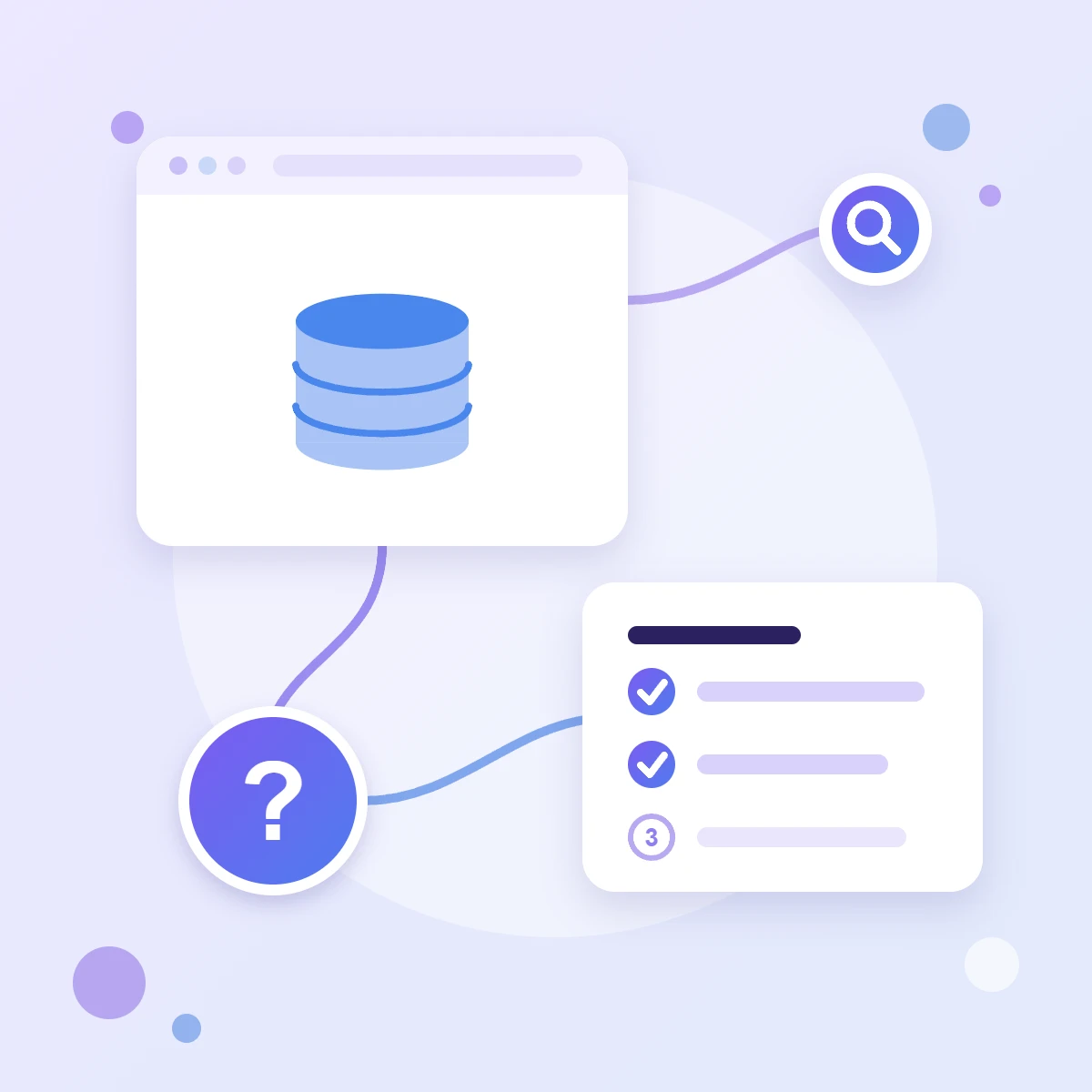
Once Google Analytics 4 is linked to BigQuery, raw events appear in your warehouse every day: every page view, click and enquiry with all its parameters. That gives you freedom the Analytics interface doesn’t, but the data is structured unusually, and first queries often leave people stuck.
Here’s how GA4 tables in BigQuery are structured, three first SQL queries — by day, by page and by source — and how to avoid overpaying for data processing.
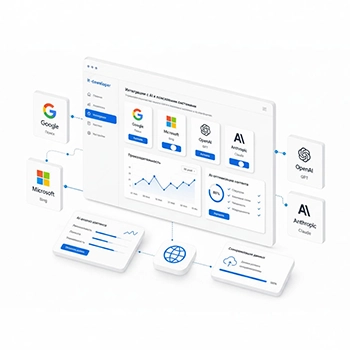
Google tag gateway is a feature that lets you load Google tags from your own domain instead of Google’s servers. It’s often described as a way to “bypass blockers and recover all your data”, but in reality it’s more modest — and more useful than it sounds.
Here’s how tag gateway works in plain words, what it really gives you, what it doesn’t do, how to turn it on via Cloudflare and how to check the result.
Core Web Vitals are three metrics Google uses to judge how comfortable a page is to use: how quickly the main content appears, how quickly the page responds to taps and clicks, and whether the layout jumps around while loading. They shape visitors’ impressions and are taken into account in Google Search.
Here’s where to check them, how to read PageSpeed Insights and Search Console results, and why the numbers differ between tools.
If emails from your domain land in spam or don’t arrive at all, the first thing to check is three DNS records: SPF, DKIM and DMARC. Since 2024, Gmail has required all senders to have at least SPF or DKIM, and bulk senders to have all three.
Here’s how to set up all three records for Google Workspace email on your own domain: what to add, in what order and how to check the result.
reCAPTCHA protects your website forms from spam bots. During 2025, Google moved all reCAPTCHA keys to Google Cloud, so many older guides are out of date: keys are now created and managed in the Google Cloud console, and free usage comes with a monthly limit.
Here’s how the reCAPTCHA types differ and which one to choose for a form, where to create a key now, where to find the secret key for a plugin and what happens if you exceed the limit.
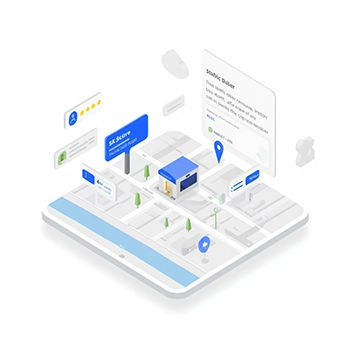
A map on your Contact page helps customers see where you are and get directions straight away. You don’t need an API key or a payment card in Google Cloud for that: a simple map can be embedded with code straight from Google Maps in a couple of minutes.
Here’s how to get the map code, how to make it work well on phones, how to embed directions — and when you can’t do without a Google Maps Platform key after all.
Google Ads learns from conversions: enquiries, calls, purchases. If they’re counted wrongly, the system optimises your campaigns blind — spending budget on clicks that bring nothing and missing the ones that bring customers.
Here’s how to check conversion tracking yourself: where to see the statuses, how to make a test conversion, how to compare the numbers with real enquiries and where data usually gets lost.
Data Studio is Google’s free tool for reports and dashboards. In April 2026 Google brought back this name; for several years before that it was called Looker Studio. A report connects to Google Analytics, Search Console and advertising and updates itself: open the link and you see fresh numbers.
Here’s how to build your first report from scratch: connect data, add four useful blocks, set up the date range and share it with colleagues.
Google Consent Mode v2 passes the choice a visitor made in your cookie banner to Google Analytics and Google Ads. A banner can look perfect and still pass nothing on — and then your advertising and analytics run with errors while you, the site owner, have no idea.
Here’s how to check consent mode yourself in 10–15 minutes — three ways, from the simplest to the most precise — and the mistakes that come up most often.
Strong web development starts with understanding business processes, company goals, audience behaviour, and the points where an inquiry or a sale happens. For
companies
we build a scalable
web resource
, that supports sales, customer communication and business growth. We work with companies in
Poland
and across
European markets
.
Single-page website
Corporate website
Online store
Online portfolio
Local services
Online courses
Blog
News project
Types of websites built by IT Deweloper web studio
We promote websites online
Today, almost anyone can build a website with the help of artificial intelligence. As a result, thousands of new websites appear every day, and most of them remain unnoticed among billions of pages online. Without search promotion, optimisation for AI systems and advertising, even a well-made website brings no clients and becomes just a line of expenses. We build websites and drive their promotion across search engines, AI services and advertising channels, turning them from just another web page into a tool for attracting clients and growing revenue.
SEO
Website optimisation for search engines
Our studio handles search engine promotion and ranks websites at the top of search results. This delivers free, long-term traffic for specific user queries online.
Google
Bing
DuckDuckGo
GEO
Website optimisation for artificial intelligence
Adapting the site's technical structure and copy for AI algorithms. It increases the chances that AI systems cite your business as a source and surface your site in their answers.
GPT
Gemini
Claude
Perplexity
PPC
Pay-per-click — contextual advertising
We set up paid advertising campaigns for client acquisition. This delivers hot leads quickly, even before the site has picked up traffic from search results or AI answers.
Google Ads
Meta
Microsoft Advertising
Website promotion channels online
What will your website be able to do?
Not just a website, but a full-featured web platform in the browser with ready-made tools to extend your reach, accept payments, manage sales and analyse your business's marketing.
Multilingual support
Extend your site's reach to different countries.
Booking
Online client booking with calendar sync.
Shopping
Payment acceptance and international logistics.
Integrations
Connect your site to inventory, accounting and delivery services.
Maps
Get your site featured in your city's local search.
Web analytics
A business growth strategy based on customer preferences.
Social media
A post on the site is automatically published to social media.
AI integration
Automate your business with artificial intelligence.
Business functionality of a website
Artificial intelligence on your website
The website stops being a showcase and starts working: it advises visitors, handles inquiries and messages, and prepares content. We bring AI into an existing site or build it into a new project — with no platform switch and no rewriting everything from scratch.
AI assistant
A consultant that knows your business
The chatbot is trained on your services, prices and documents. It answers visitor questions, suggests a solution and passes a ready-made lead to the manager — in Russian, Polish and English.
Automation
Routine work leaves your day
An AI agent sorts through email and inquiries, drafts replies, moves data into your CRM and spreadsheets, and keeps an eye on forms and orders. It works around the clock and needs no dedicated staff member.
Content and AI search
Your brand in AI answers
We prepare copy, descriptions and FAQs together with AI, and mark up the structure and data. The site shows up not only in Google, but also in the answers of ChatGPT, Gemini and Perplexity, bringing ready-made clients.
Artificial intelligence tools for business websites
What's included in website development
Building a website and launching a working business tool are two different things. That's why our process includes stages from related fields: technical optimisation, digital marketing and legal preparation. Your site goes live ready for promotion and compliant with EU requirements — GDPR, cookie consent, the Omnibus Directive. Below is exactly what we do at each stage.
Based on an initial analysis of your business, we assess the project's real potential in search. This marketing analysis is the foundation for your future site, and it consists of several elements:
What's included
Demand assessment. We find out how often customers search for your service.
Keyword selection. We find the queries that bring in customers.
Competitor analysis. We study competitors' keywords.
Site structure. Every page answers a specific query.
Search volume. Search frequency for each service.
Intent analysis. Buy, compare or just research.
Semantic clean-up. We remove off-target queries.
Content brief. A content plan for SEO.
Turnaround time
A ready keyword set and page structure based on real search queries.
Search competition, customer profile and business model brought together into a single hierarchy
01Planning
Site logic tree
We build a 3-level model: home → categories → content. This rules out "deep" pages that neither users nor search engines ever reach.
02Ecosystem
Navigation & URLs
We add breadcrumbs, responsive menus and clean URLs (SEF). We build an intuitive map so users always know where they are and how to get back.
03Indexing
Links & authority
We set up internal linking and an XML sitemap, distributing page authority so important sections rank higher.
Result: a resilient structure with no duplicates or broken paths
site architecturesite structurelogic treenavigationclean URLsinternal linkingindexingSEO structure
Site setup
We bring the site up to reference standards on the parameters that matter to search engines and real users alike. Our studio tracks several hundred such parameters — a developer, a designer and a marketer each care about different ones. The IT Deweloper team finds the best solutions and presents the project to the client.
01Performance
Speed & Web Vitals
We fight for every millisecond — WebP, caching and a CDN. Load times under 1.5s directly boost conversion by 15–20%.
02Clean code
Duplicates & indexing
We eliminate silent budget killers: clearing duplicates with canonical tags and setting up 301 redirects. New pages get indexed within minutes.
03Standards
Structured data & SSL
We integrate Schema.org for rich snippets, install SSL and set up local targeting (Białystok/Poland).
Site content depends on your target customer, and we've already defined that in the earlier steps. Now the marketer and copywriter take over: we identify your prospective visitor's pain points and aim to fully satisfy their query.
timeline: individual
01. Meaning
Persuasive copywriting
We write for people, not robots. No clichés about a "dynamically developing company." We highlight facts, showcase your expertise and solve your audience's real problems.
02. Packaging
Visuals & formatting
Nobody reads a wall of text. We break content into logical blocks and create original images, infographics and video. Complex information becomes easy to take in.
03. Engagement
Localisation & conversion
Polish is one of the hardest languages to get right — machine translation does real damage here. We deliver polished, native-level copy, design a proper FAQ section and add clear calls to action (CTAs).
Search visibility comes with reputation. We place mentions of your company on authoritative local and international sources — media outlets, industry portals, business directories. It's safer than cheap shortcuts and keeps working for years.
Outreach & Blogs
We negotiate directly with the admins of Polish blogs and niche forums. We publish guest posts and earn permanent dofollow links that pass real authority to your domain.
Local Directories
We list your company in authoritative regional directories, building a consistent NAP profile (name, address, phone) — one of the strongest signals for local Google rankings.
Link Exchange
We arrange safe reciprocal recommendations with partner sites in related niches, building a natural, balanced anchor-text profile without over-optimising for commercial terms.
We don't guess what works — we use our own software to research queries and analyse niches in your specific region, factoring in seasonality and demand trends. IT Deweloper's marketing strategies build on the experience of market leaders, refined with our own improvements. A deep audit lets us borrow the best solutions and avoid the mistakes your competitors have already paid for.
Growth Points
We identify the keywords driving traffic to competitors that you're not using yet, and find the features and services that make their sites more convenient.
Segmentation
We analyse direct and indirect competitors, identifying who's really competing for your customer in your specific niche and region of Poland.
Conversion
We study how competitors nurture leads and which commercial factors convince users to submit an enquiry with them instead of you.
Working with customers in Poland and the EU requires strict compliance with GDPR and the relevant EU Directives. We handle the technical side of legal transparency — from correctly configured cookie banners to disclosing business information — closing off the risk of fines up to €20 million and the site being blocked by regulators.
GDPR & Privacy
We implement a cookie banner with category-based consent and
explicit opt-in checkboxes, set up a proper privacy policy
and add the technical means for the "right to be forgotten" —
deleting a user's personal data on request.
Business Identification
We set up the footer and contact page to meet Polish legal
requirements: KRS, NIP, REGON, registered address. Transparent
company information is a direct trust signal for Google (E-E-A-T)
and for your customers.
Omnibus Directive
For online stores, we set up the mandatory display of the
lowest price over the last 30 days, a returns page (Zwroty)
and public terms of service (Regulamin) — in full compliance with Omnibus.
Risks: skipping legal adaptation doesn't just risk
fines — it also hurts conversion. European users won't hand over
personal data on a site without a proper
privacy policy.
personal data protectioncookie bannerprivacy policyright to be forgottenlegal identificationE-E-A-T trustterms of servicelegal compliance
Business opportunities in web development
We use cookies and similar technologies to improve your experience on our website.
Read our Privacy Policy.