What KSeF is, in one paragraph
Krajowy System e-Faktur is the state platform all invoices pass through. A document is no longer a PDF emailed to the buyer but a structured XML file: it goes into the system, receives its own KSeF number there and a confirmation of receipt (UPO). From that moment on, that version is the invoice — the PDF becomes a printout for convenience.
Who is covered, and from when
- 1 February 2026 — the obligation to issue applies to businesses whose sales including tax exceeded 200 million zł in 2024.
- 1 April 2026 — all other businesses.
- Until 31 December 2026 — a transition period with relief: where invoices for a month total no more than 10,000 zł gross, they may still be issued outside KSeF, electronically or on paper.
- 1 January 2027 — the relief disappears. Everyone issues through KSeF, including the smallest firms.
February 2026 concerns you too, even if you issue one invoice a quarter
This is the most commonly missed point. The dates above are about issuing. But once a large counterparty starts issuing through KSeF in February, your company will be receiving those invoices there — regardless of your own deadline. The invoice will not arrive by email; it will arrive in a system you have to log into or connect a program to.
The practical conclusion: arrange access and permissions in KSeF early in 2026, not in December 2026 when the whole country will be doing it at once.
The 10,000 zł threshold is counted differently than most assume
It is not the company's annual turnover and it is not a net figure. It refers to the combined value of sales including tax on invoices issued in a given month. The threshold accumulates within the month: as long as the total fits, invoices may go outside the system.
The moment you cross it is abrupt. The invoice that pushes you past 10,000 zł goes into KSeF — and so does every following invoice that month. A small firm therefore cannot plan on "staying outside the system for all of 2026". It has to be technically ready for any month in which a larger order turns up.
What concerns the website rather than the accountant
Invoices are issued by an accounting program or a sales system, and that is what talks to KSeF. The website does not issue invoices. The website decides something else: whether the data reaching that program is usable for an e-invoice at all.
A structured invoice is XML with specific fields. There is no room in it for "company details" typed as one line into a notes box. It needs them separately: tax number, name, street with building number, postcode, town, country. If the shop collects that as a single line of text, someone will be splitting it by hand — on every order.
Where the NIP field belongs in a checkout form
The typical shop mistake: NIP as an optional text field somewhere under the address, with no validation. What lands there is "1234567890", "PL1234567890", "don't have one", and numbers with dashes. Someone cleans that up later.
How it should work:
- Ask first, then show fields. A "buying as a business / as a private person" switch at the start, not a NIP field hidden at the bottom. The whole path downstream depends on that answer.
- Validate as it is typed. Ten digits, the NIP checksum, automatic stripping of spaces, dashes and the PL prefix. A dozen lines of code that save hours of corrections.
- Pull details from the register. Once a valid NIP is entered, the company name and address can be fetched from the public register and filled in automatically. Fewer clicks for the customer, and data in exactly the shape the XML expects.
- Split the address fields. Street, number, postcode, town, country — separately, even if they look like one line on screen.
- Tell the customer. Mentioning that the invoice goes to KSeF and will be available there heads off the "where is my invoice, nothing arrived by email" messages.
B2B and B2C are two different paths
Selling to a company and selling to a consumer diverge right after the basket.
B2B. The invoice must reach KSeF. The system assigns it a number and returns the UPO — proof the document exists. The buyer collects the invoice from the system; emailing a PDF is now merely a courtesy.
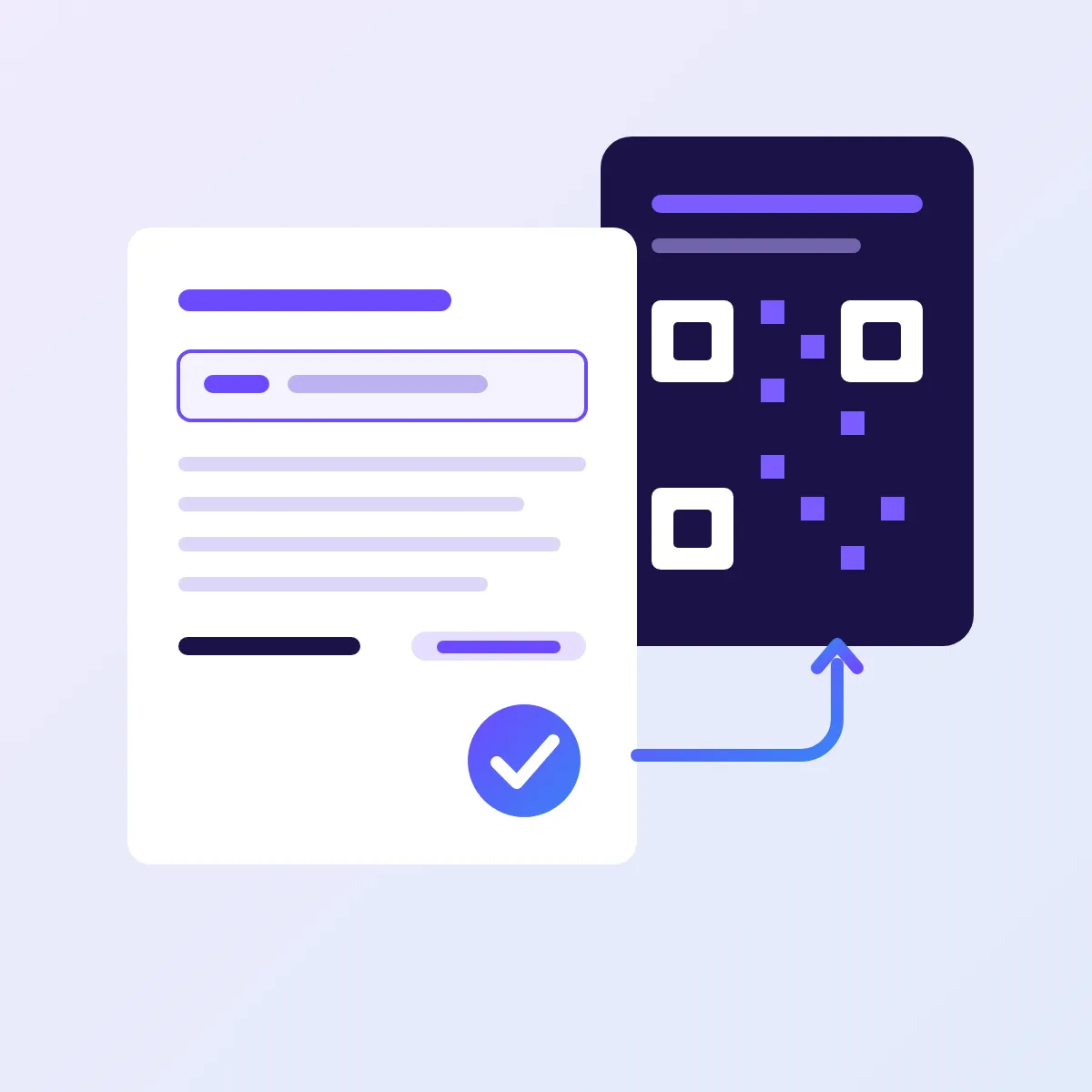
B2C. Issuing consumer invoices through KSeF stays voluntary. But if you hand such an invoice over outside the system, it must carry a QR code allowing the document to be verified in the Ministry of Finance system. Which means the PDF your shop has been generating changes its layout — and someone has to update that template.
How passing an invoice actually works
The pattern is the same whatever the shop platform:
- the shop identifies the buyer type and collects the full set of details;
- the order goes to whatever issues invoices — accounting software, an ERP, or a shop module;
- that system sends the XML to KSeF through the API and receives the KSeF number and the UPO;
- the number comes back to the order, so it can be found later and matched to the payment.
The weak link is almost always the first step. KSeF integration is an off-the-shelf matter on the accounting side; correct data from the checkout form is work on the website side.
What will break in February — a list from experience
- Business orders with no tax number, because the field was optional and the customer skipped it.
- A NIP entered with the country prefix or dashes, which the accounting software's validation rejects.
- An address in a single field — to be split by hand on every order.
- No QR code on consumer invoices handed over outside the system.
- A form that never asks whether a business is buying — so the customer writes the tax number into the order notes.
What to do now
- Open your own shop and place an order as a company. Check whether a NIP can be entered, whether it is validated, and whether the address splits into fields.
- Ask your accountant which program will send invoices to KSeF and which fields it requires. Then compare that with what the form collects.
- Decide whether you issue invoices to consumers. If so, the PDF template needs a QR code.
- Sort out access and permissions in KSeF early in 2026, even if your own obligation to issue starts later — you will be receiving invoices sooner than that.
- If the shop collects data carelessly, fix the form before the season starts. After 1 February every fix will be made in a hurry.
In short
Large businesses issue through KSeF from February 2026, the rest from April, the smallest from January 2027 — but everyone has to be able to receive invoices considerably earlier. The 10,000 zł threshold is a gross monthly figure counted cumulatively, so no annual plan can rest on it. For a website it all comes down to one thing: collecting correct buyer details in the shape an e-invoice will accept.
If you would like us to look at the checkout form in your shop and say what needs fixing, write to us. How we approach shops and integrations is described on the Web development page.